UI/UX Design for Businesses in Egypt and the Gulf: What a Good Design Process Looks Like
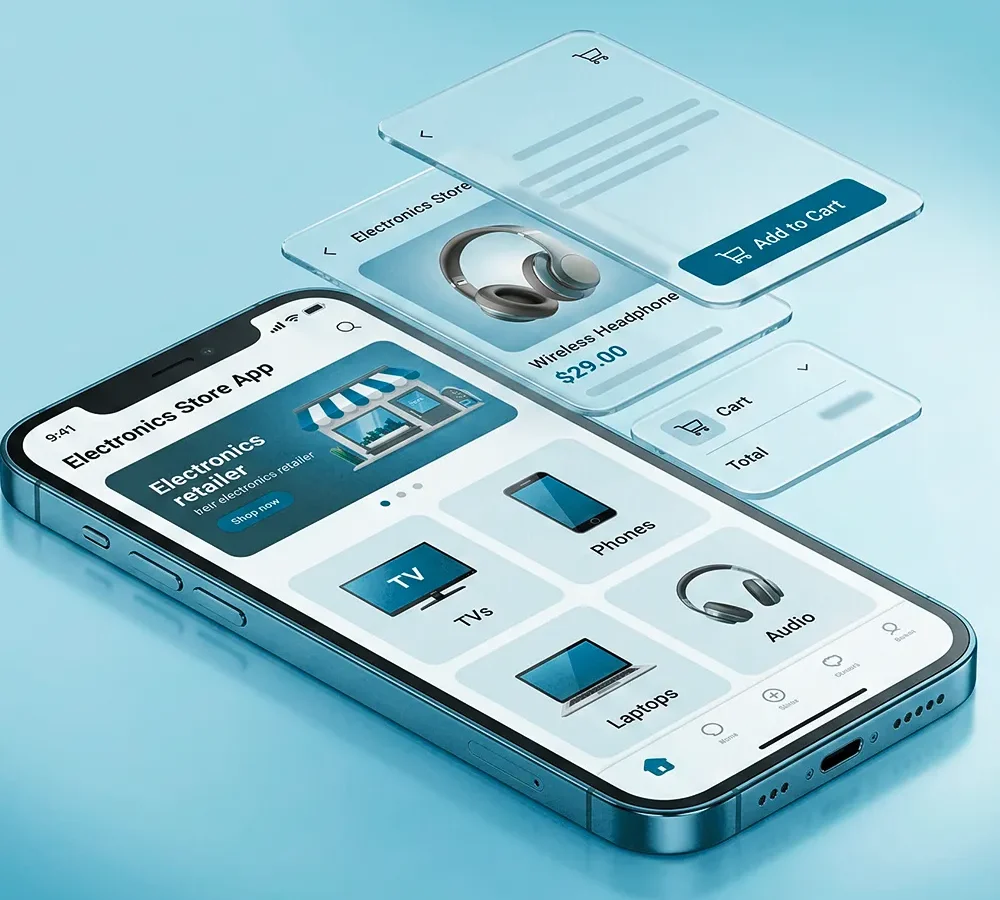
Most businesses only notice UI/UX design when something is broken: a checkout people abandon, a form nobody finishes, an app store review mentioning confusion. Good design is invisible when it works. Here is what a real design process looks like, and why it belongs earlier in a project than most teams plan for.
Why UI/UX is a business decision, not a visual one
A product’s interface decides whether a visitor converts, a customer completes a task, or a user ever opens the app a second time. Colors and fonts matter, but the harder work is deciding what the user sees first, what they can skip, and where they are most likely to give up. That work affects revenue directly, which is why it belongs with strategy and engineering, not as a final coat of paint.
The stages of a good design process
Discovery and research
Before any screen is drawn, a good process asks who the users are, what they are trying to do, and where they currently struggle. This can be as simple as reviewing support tickets and analytics, or as involved as direct user interviews.
Information architecture
How content and features are grouped and named decides whether users find what they need. This stage maps every screen and decision point before any visual design starts.
Wireframes and prototypes
A clickable prototype lets a team test a flow before a single line of code is written, catching expensive problems early. This is the stage where it is cheapest to be wrong.
Visual design and design systems
Colors, typography, spacing and components come together into a design system: a consistent set of rules that keeps a growing product coherent instead of a patchwork of one-off screens.
Usability testing
Watching a handful of real users try to complete a task reveals problems no amount of internal review will catch. This step should happen before launch, and again after real usage data comes in.
What this means for Arabic and RTL interfaces
A design built only for left-to-right English does not simply flip for Arabic. Navigation, icons, forms and reading flow all need to work properly in right-to-left layouts, and this is far cheaper to plan for from the start than to retrofit later, especially for a bilingual Egypt or Gulf audience.
Signs your product needs a design review
- A high drop-off rate at a specific step, like checkout or signup
- Support tickets repeatedly asking “how do I…” about the same feature
- A product that has grown feature by feature with no consistent system
- Low app ratings mentioning confusion rather than bugs
- A new market or language launching without a design review first
Frequently asked questions
Do we need UI/UX design for a small website or app?
Yes, at a scale that matches the project. Even a simple site benefits from clear information architecture and a short usability check before launch; it is far cheaper than fixing a confusing layout after visitors are already leaving.
How does UI/UX design affect app development cost?
A tested prototype reduces expensive changes once engineering starts, which usually lowers total cost. See our mobile app development cost guide for how design fits into the overall budget.
Start with how your product should work
Qlegy’s UI/UX design service covers research, prototyping and design systems for websites, apps and platforms in Egypt and the Gulf. Tell us about your product and we’ll walk through where design can make the biggest difference.

Leave a Reply